Using Entangle
Overview
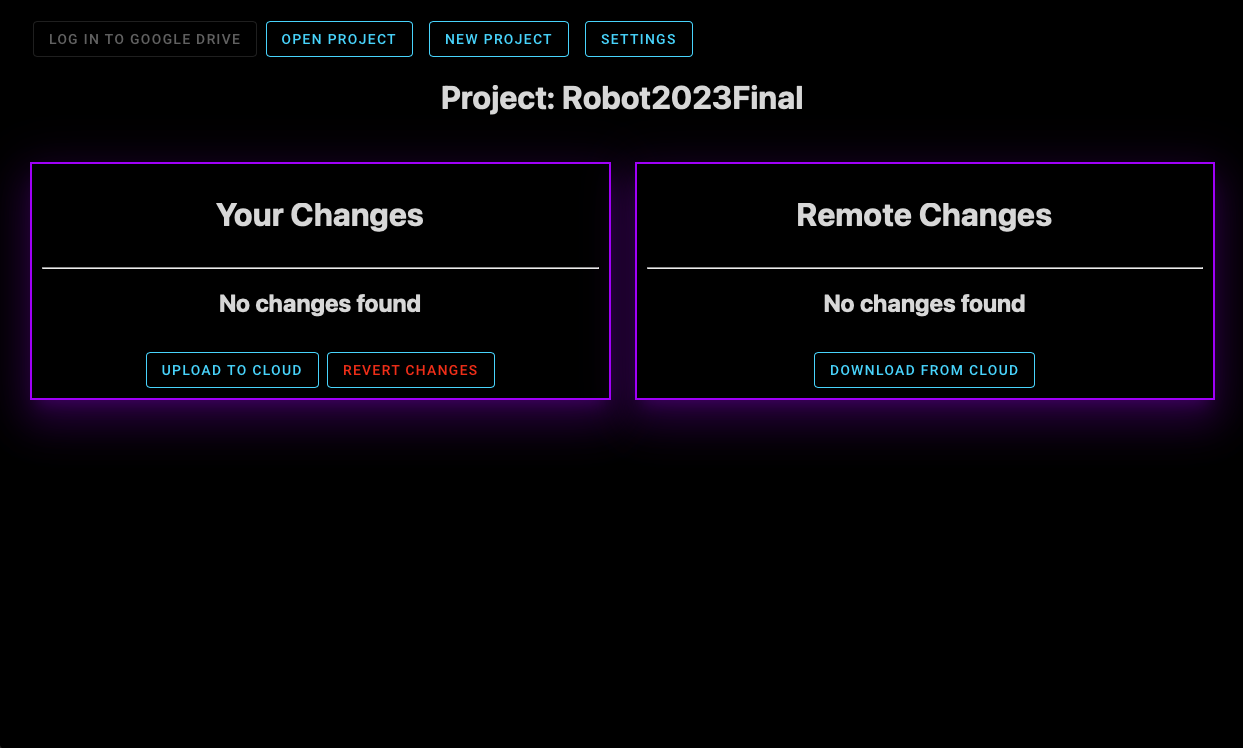
Log In To Google Drive: Opens a Google signin page in the browser to connect your Google Drive account
New Project: Launches the new project flow. Follow the on screen instructions to create a new project
Open Project: Launches the recent projects selector
Settings: Not Implemented
Downloading and Uploading Changes
When a change is made locally or to the cloud, Entangle will detect it and automatically provide an option to download the latest changes. You can select specific files to upload/download, then either upload your changes to the cloud or download new changes from the cloud.
Presseing Revert Changes will delete any changes you have locally. You can toggle which files to be reverted in the file view.
Table of Contents